Test and troubleshoot the widget
Confirm the widget works end to end, and fix the three things that usually go wrong.
On this page
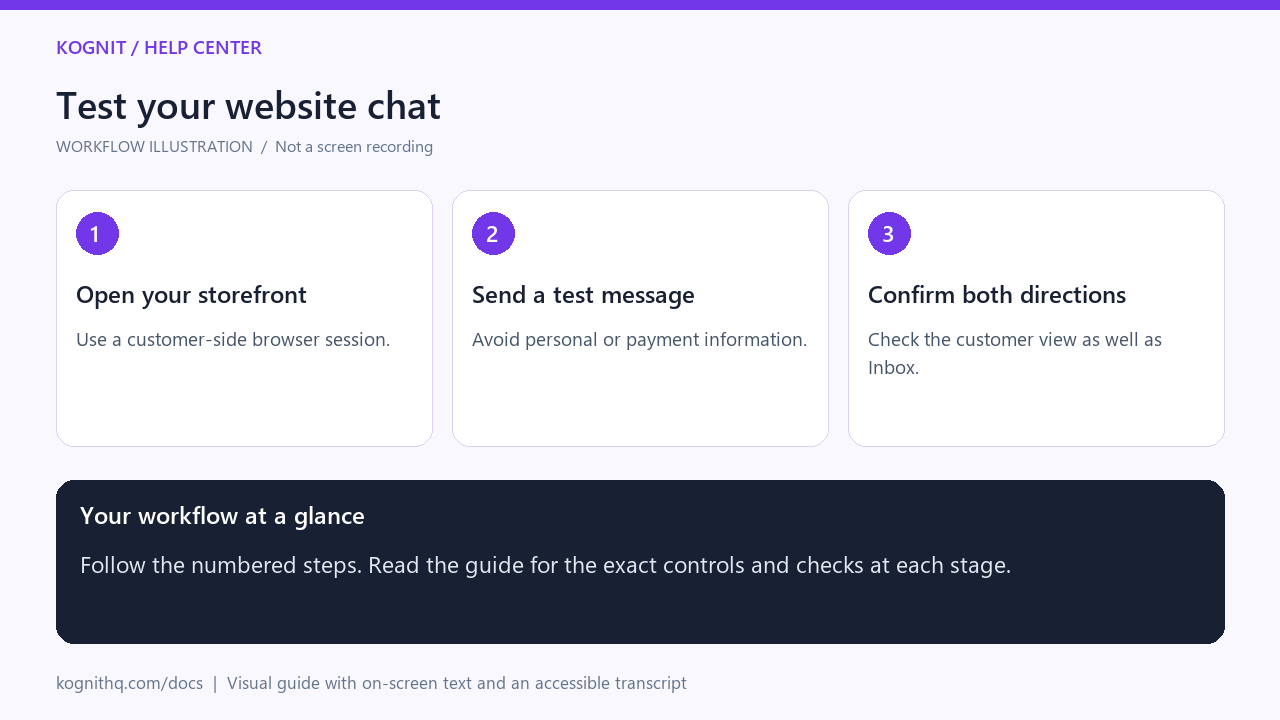
Watch: Test your website chat
18 seconds · Captioned workflow illustration, not a screen recording. No audio.
View the annotated workflow diagram
Read the video transcript
- Open your storefront. Open the page where the chat widget is installed and locate the chat launcher.
- Send a test message. Open the widget and send a short question that your team can recognize as a test.
- Confirm both directions. Find the message in Inbox, send a reply, and confirm it appears in the website chat.
The end-to-end test
- Open your site in a private window — your normal session may have cached an old config.
- Confirm the launcher appears.
- Open it and check the greeting and branding are yours.
- Send a question your knowledge base answers. You should get a real answer, not a generic one.
- Send "I want to speak to a human." The conversation should hand off.
- Check Inbox — both conversations should be there, the second escalated.
If all six pass, you are live.
The launcher doesn't appear
Check the script actually loaded. Open your browser console and look for network errors on widget.js. The usual causes:
- The snippet was pasted into the
<head>of a template that strips scripts - A content security policy on your site blocks the script origin
- An ad blocker is blocking it — test with blockers off before assuming a bug
- The snippet is on one template but not the page you're testing
Check the key. A missing or mistyped data-kognit-key means the widget cannot identify your workspace and will not render.
It appears but says the key is invalid
The key does not match a workspace. Copy it again from the Widget screen rather than retyping — a single wrong character produces exactly this error.
If you have never opened the Widget screen, do so once. That is what provisions your key.
Messages send but no ticket appears
Check Inbox with filters cleared — a channel or assignee filter can hide new chat tickets.
If tickets still do not appear, the message is being rejected upstream. The widget shows an error state when this happens rather than silently swallowing it, so look at the widget itself while sending.
The AI answers generically
It found nothing relevant in your knowledge base. That is the designed behaviour: it will not invent an answer. Add articles covering the question — see Train the AI.
Styling conflicts
The widget renders in an isolated container so your site's CSS should not affect it. If your site sets an extreme global z-index, the launcher can end up behind another element — raise the widget above it, or move it to the other corner.