Import Knowledge Sources & Documents
Feed URLs, policy documents, PDFs, and spreadsheets into your AI Brain for grounded customer responses.
1 min readUpdated August 2026
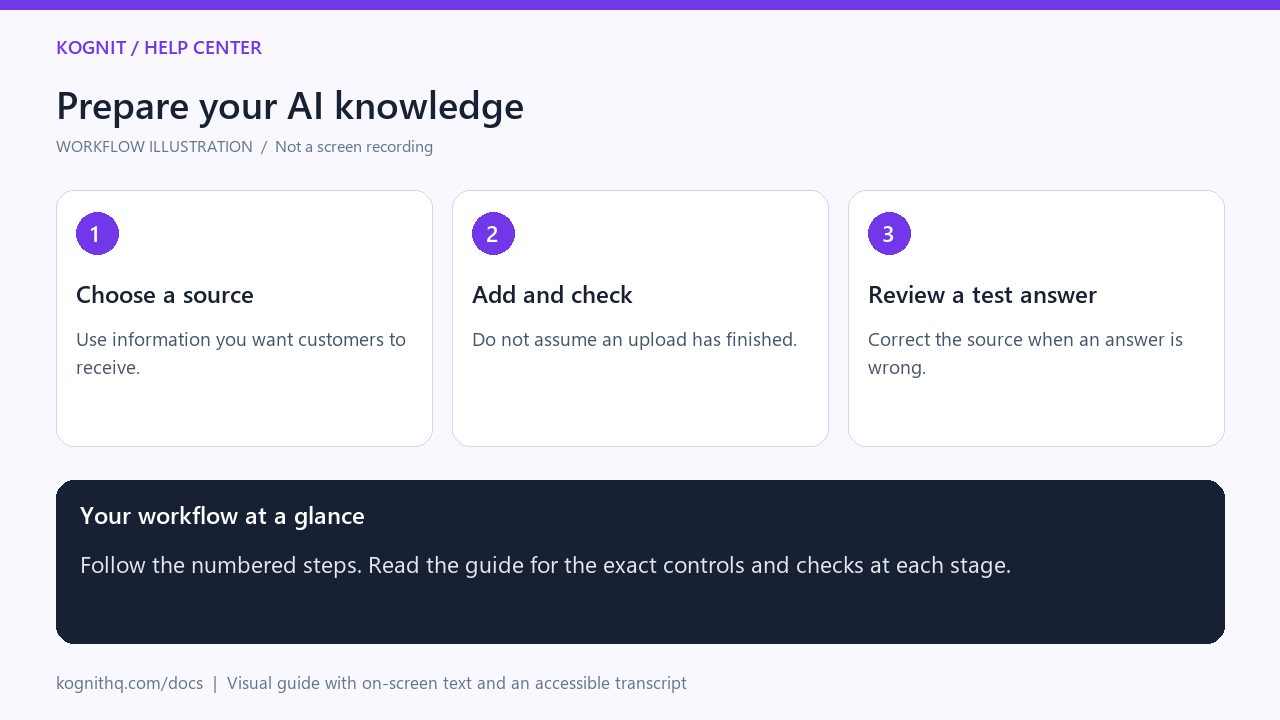
Watch: Prepare your AI knowledge
18 seconds · Captioned workflow illustration, not a screen recording. No audio.
View the annotated workflow diagram
Read the video transcript
- Choose a source. Open AI Brain. Start with current policies, FAQs, or a supported knowledge source.
- Add and check. Add your source and check its processing result. Fix missing or outdated information.
- Review a test answer. Ask a question covered by the source. Check the answer against your policy before enabling automation.
The AI Brain is the foundation of Kognit's intelligence. Rather than relying on generic internet knowledge, Kognit uses Retrieval-Augmented Generation (RAG) to ground every answer in your actual business data.
Supported Ingestion Formats
- Store Website Crawl: Provide your storefront domain (e.g. https://buy3x.com). Kognit automatically scrapes public FAQ, About Us, Shipping, and Return pages.
- PDF & Document Upload: Upload employee handbooks, sizing guides, product manuals, or supplier certificates.
- Raw Q&A Pairs: Add specific question-and-answer pairs for nuanced edge cases.
- Shopify & WooCommerce Catalog: Product descriptions, variant attributes, and inventory quantities sync automatically.
How to Add Knowledge
- Go to AI Brain (/helpdesk/ai-brain).
- Click + Add Knowledge Source.
- Select your input method:
- URL Web Scraping: Enter a URL and choose crawl depth (Single Page or Entire Domain).
- File Upload: Drop PDF, TXT, DOCX, or CSV files.
- Custom FAQ: Type question, answer, and optional category tags.
- Click Vectorize & Ingest. Processing usually takes 5 to 30 seconds.
Sync & Re-indexing Frequency
- Document changes are re-indexed automatically when updated.
- Store policies synchronize daily or immediately upon clicking Force Re-index.
Was this page helpful?
Related
Custom AI Rules & Brand VoiceDefine system instructions, prohibited topics, refund limits, and custom tone of voice for the AI.Sync Shopify Policies & FAQsAutomatically pull return windows, shipping tiers, and terms directly from your Shopify admin.Train the AI on your businessBuild the knowledge base the AI answers from — the single biggest lever on answer quality.