How the inbox works
One queue for every channel — how messages become tickets and what an agent sees.
On this page
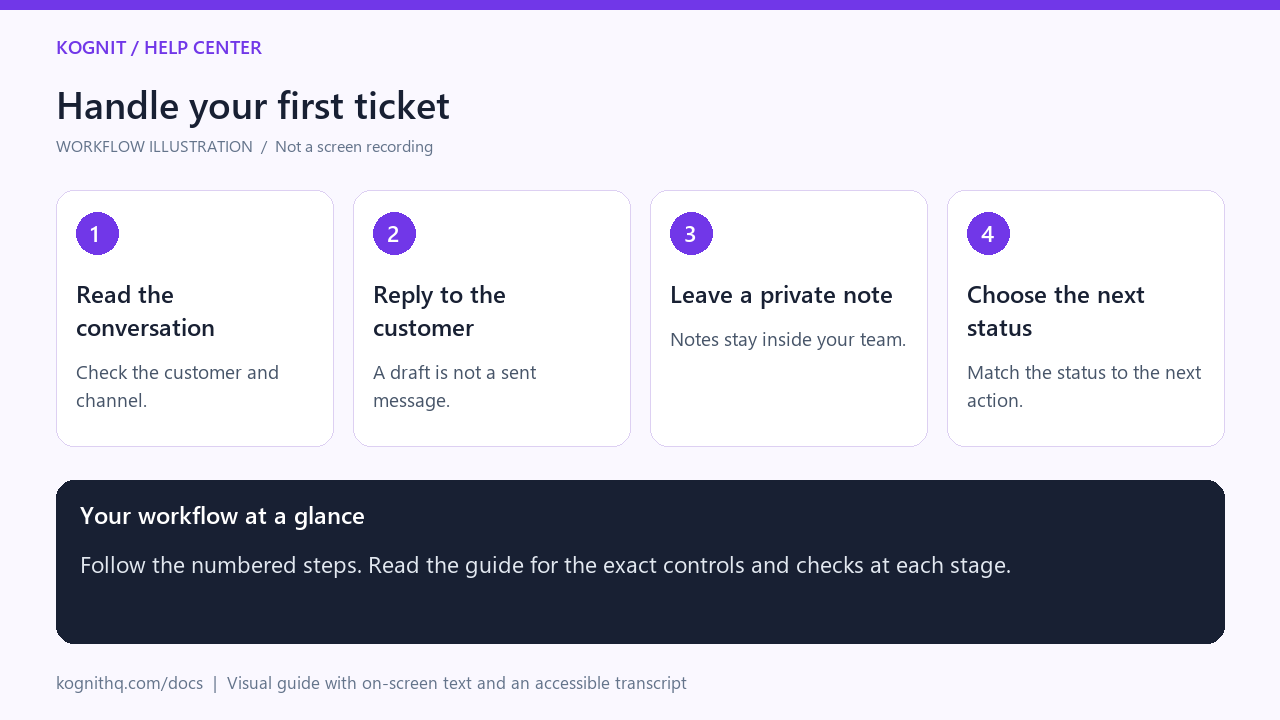
Watch: Handle your first ticket
24 seconds · Captioned workflow illustration, not a screen recording. No audio.
View the annotated workflow diagram
Read the video transcript
- Read the conversation. Open Inbox, select the customer ticket, and read the thread before replying.
- Reply to the customer. Choose Reply, review your message, then use Send Reply. Confirm it appears in the thread.
- Leave a private note. Choose Note for team-only context, then Add Note. Switch back to Reply for the customer.
- Choose the next status. Keep work Open, use Pending while waiting, and mark Resolved when the request is handled.
One queue, every channel
Email, web chat, WhatsApp, Instagram, and Messenger all produce the same kind of ticket. An agent works them identically; only a small channel badge differs.
This matters more than it sounds. Teams that run a separate tool per channel end up with different response times, different tone, and no single view of a customer who emailed on Monday and messaged on Tuesday.
What a ticket carries
| Field | Meaning |
|---|---|
| Status | open, pending, or resolved |
| Channel | Where it arrived from |
| Customer | Name and address, linked to a contact record |
| Subject | Email subject, or the first line for chat channels |
| Intent | What the AI classified the request as |
| Team | The team that intent routes to |
| Assignee | The agent who owns it |
| SLA | First-response and resolution due times |
| Tags | Anything you or an automation added |
The three panels
Left — the queue. Filter by status, channel, assignee, or team. Unread tickets are bold.
Middle — the conversation. The full thread, oldest first, with attachments inline. Customer messages and agent replies are visually distinct, and AI-sent replies are labelled as such so you always know who said what.
Right — Customer 360. Everything known about the person: previous tickets, contact details, and — if you connected a store — their orders, lifetime value, and recent activity. This is what lets an agent answer "where is my order" without leaving the ticket.
Threading
Email threading uses message headers, not the subject line. A customer who replies with a changed subject still lands on the same ticket, and a new enquiry with a recycled subject correctly opens a new one.
Chat channels thread by session.
Reading and unread state
A ticket is marked read when an agent opens it. New customer messages on a ticket flip it back to unread and reopen it if it had been resolved — so a customer replying to a closed ticket does not disappear.
Next
Related